
Stop Drafting Invoices from Scratch: The Professional Way to Bill Clients

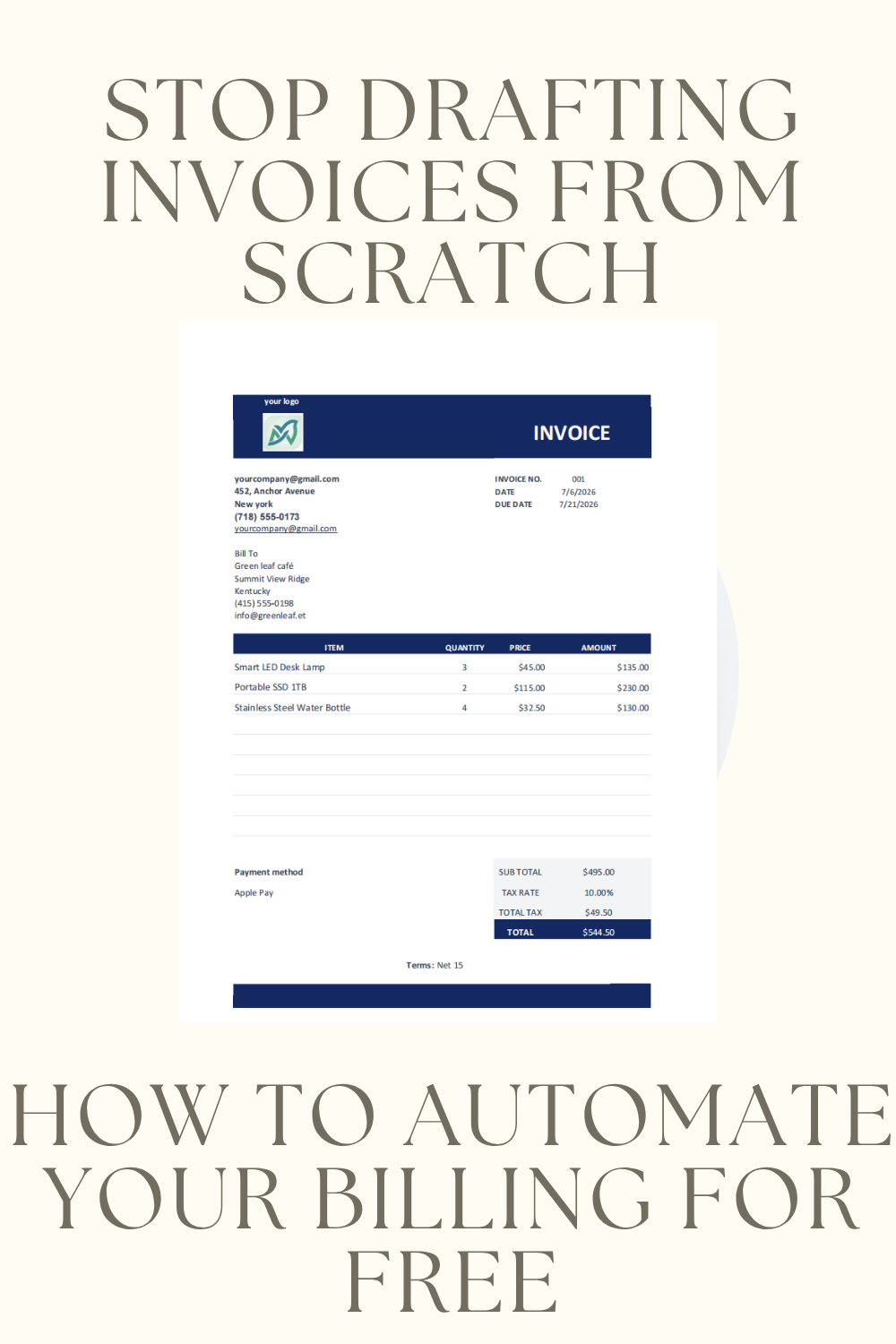
As a freelancer or small business owner, the time you spend manually typing out invoice details is time you could be spending on billable work. If you find yourself hunting for customer addresses or re-typing product descriptions every time you bill a client, your current process is costing you more than just time—it’s costing you efficiency.
Professionalism is key to getting paid faster. A clean, branded, and error-free invoice doesn’t just ask for money; it signals to your clients that you are organized and reliable.
The All-in-One System
I’ve designed an Invoice template Excel that solves the three biggest headaches in billing:
- Centralized Customer Management: Instead of searching through old emails for a client’s address, keep your contact info in a dedicated, searchable tab.
- Standardized Item List: Never guess at your pricing or product descriptions again. Maintain a master list of your services and rates for consistent billing every time.
- Automated Professional Template: When it’s time to bill, you simply select your customer and items from the dropdown menu, and the template handles the rest, ensuring your invoice is perfectly formatted and ready to send in seconds.
Why Organization Matters
Using a structured spreadsheet like the one found in the Invoice template, prevents common billing bugs—like forgotten tax calculations, incorrect client details, or mismatched payment terms.
When your systems are clean, your invoicing process moves from a chore to a quick, 60-second administrative task.
Ready to Upgrade Your Billing?
Stop wasting your weekends on manual data entry. Whether you are a solo entrepreneur or managing a growing business, having a reliable, automated system is a game-changer.
If you are ready to professionalize your workflow, I’ve made my Free Automated Invoice Excel Template available for you to download and customize for your own brand.